7 Tips to Take Stunning Pictures with Your Android Phone
Here are ten easy tips to help you click better pictures with your Android phone.
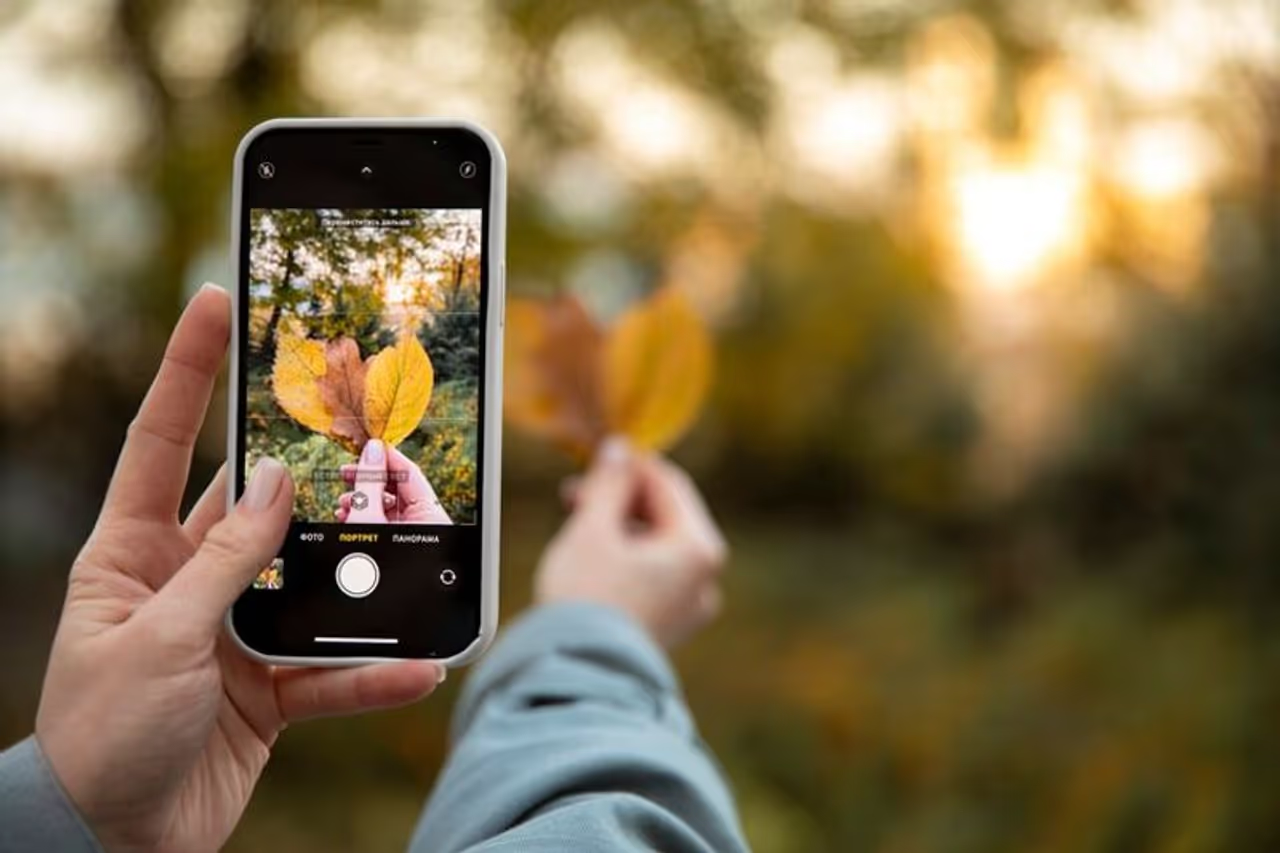
With advanced camera technology built into Android phones, you can take impressive photos without needing a professional camera. However, knowing a few tips and tricks can make a significant difference in the quality of your pictures.

• Keep your camera lens clean. Use a microfiber cloth to gently clean the lens. A dirty lens can cause blurry images and reduce the clarity of your photos. Smudges or fingerprints on the lens can ruin the quality of the photos.
• Most Android cameras have a grid setting in the camera options. Enable the grid to help you align your subject along the lines or at their intersections. Place elements of your photo at the points where the grid lines intersect.
• Tap on the screen to focus on your subject, then slide up or down to adjust the exposure level. For better results, use the exposure slider to brighten or darken your photo based on the lighting conditions.
• Natural light often gives the best results for photography. It offers a soft light source for your subjects. Shoot during the golden hour (after sunrise or before sunset) for the best natural light. Avoid harsh midday sunlight and shadows.
• Android phones come with various shooting modes. Experiment with modes like Portrait, Night, HDR, Panorama, and Pro to find the best one.
• HDR mode helps balance the exposure between bright and dark areas in a photo, making details visible in both. Use this mode in your camera settings when taking pictures of scenes with a high contrast between light and dark areas.
• Editing can enhance your photos by adjusting brightness, contrast, and colours to make them more visually appealing. Use built-in photo editing features or various other photo editing apps.
Check the stories that make everyday living exciting and inspiring. From easy food ideas and healthy habits to fashion trends, beauty tips, travel guides, and more — our lifestyle section brings you everything that helps you live better. Explore the latest trends, smart tips, culture, and real-life experiences that add style, comfort, and joy to your daily life. At MyNation, we bring together food, health, fashion, wellness, and modern living to help you stay informed, inspired, and ahead of the curve.