
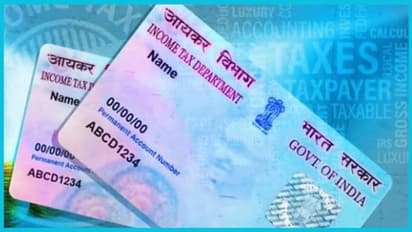
Permanent Account Number (PAN) card issued by the Income Tax Department serves as a unique identification card. This card is essential for various purposes. You will need to possess a PAN card for opening bank accounts, paying income tax, opening demat accounts and other financial activities.
A PAN card consists of a 10-digit alphanumeric code that contains your personal details. If you want to find out how to apply for a PAN card online, keep on reading.
Who can apply for a PAN card?
• The applicant must be a citizen of India.
• The applicant must possess an Aadhaar card.
• To apply for PAN card, your mobile number must be linked to your Aadhaar card.
How to apply for a PAN card?
• Visit the official website of the Income Tax Department.
• Go to the option ‘Instant e-PAN card’ on the homepage.
• Click on ‘Get a new PAN card.’
• Fill out the application form with the required information.
• After filling the required information, review the form carefully and submit it after completing.
• Scan and upload all required documents.
• Pay the charges for PAN card through net banking or UPI.
• Upon successful completion of payment, you will receive a receipt for tracking the PAN card status.
How to check the status of PAN card?
• Visit the homepage and click on ‘New e-PAN card’ option.
• Select ‘Check and Download e-PAN card.’
• Enter the application number and click on submit.
• The status of your application will appear on the screen.
• From the same page, you can also download the e-PAN card.
Check the stories that make everyday living exciting and inspiring. From easy food ideas and healthy habits to fashion trends, beauty tips, travel guides, and more — our lifestyle section brings you everything that helps you live better. Explore the latest trends, smart tips, culture, and real-life experiences that add style, comfort, and joy to your daily life. At MyNation, we bring together food, health, fashion, wellness, and modern living to help you stay informed, inspired, and ahead of the curve.